You are paying for articles that read like filler, so you started hunting for an Outrank alternative. Many platforms promise volume but bury you in edits, and a bad switch costs you rankings, drafts, and weeks of rework.
This article breaks down seven mistakes that derail a platform switch, what to check before committing, and how the top options compare. You will get concrete criteria for evaluating tools and a clear pick for the best overall alternative, so you can migrate without losing ground.
What to Look For in an Outrank Alternative for Automated Content Generation
When Outrank no longer fits your content workflow, evaluating alternatives requires a clear framework that goes beyond surface-level feature lists. Switching platforms is a strategic decision, not a simple subscription swap. The tool you choose will shape your SEO content strategy for months, and it will affect how quickly your team can publish.
Start with content quality. Ask how the tool handles semantic relevance, search intent, and tone consistency. A platform that produces fluent text but drifts off-topic will erode topical authority over time. Request sample outputs in your niche before committing.
Next, assess scalability. Can the system generate and schedule dozens of articles per week without degrading quality? Does it support bulk publishing and CMS integration with platforms like WordPress? Manual uploads do not scale, and they introduce errors.
Integration options matter just as much. Look for API access, scheduling controls, and compatibility with the tools your team already uses. Weak workflow integration forces copy-paste routines that waste hours every week.
Finally, weigh pricing transparency and support. Hidden usage caps and unclear renewal terms create budget surprises. Responsive support matters when a publishing deadline is close. A fair evaluation covers all five areas: quality, scale, integration, price clarity, and help when things break.
Common Mistakes That Derail a Platform Switch
The most frequent misstep when migrating from Outrank is underestimating the time required to rebuild prompt libraries and editorial guidelines. Teams treat migration as a technical task when it is really a content operation. That gap produces inconsistent output for weeks.
Another common failure is failing to export historical content. If old articles stay behind, you lose drafts, internal link targets, and performance data. Build a full export into your migration checklist before you cancel anything.
Keyword mapping gets skipped just as often. A new tool may cluster topics differently, so your keyword strategy needs remapping to avoid cannibalization and duplicate content. Broken internal links are a classic symptom. They quietly drain topical authority from pages that once ranked well.
Technical limits also catch teams off guard. Ignoring API rate limits can stall bulk jobs mid-run, leaving half-finished batches. Test throughput during a trial period rather than during a live campaign.
Template mismatches create a subtler problem: brand voice drift. When prompts and templates do not transfer cleanly, articles start sounding like a different publisher. Readers notice, and so do search engines.
Team training is the mistake that compounds all the others. A new interface slows everyone down, so plan for a learning curve. Run parallel content generation for a trial period, comparing old and new output side by side. Set up redirects for any URLs that change. Keep human oversight in the loop with proofreading and fact-checking until quality stabilizes. A staged rollout beats a hard cutover every time.
1. Autoblogging.ai - Best Overall

Autoblogging.ai has quickly become the go-to Outrank alternative for thousands of content creators seeking a balance of power, flexibility, and affordability. As a product of Digimetriq.com, the platform was built to help bloggers, website owners, and agencies cut content costs while improving their online presence through automation.
The numbers tell a clear story. Autoblogging.ai is trusted by over 40,000 content creators and has generated more than 1 million articles. That kind of adoption matters when you are switching platforms, because a tool with a large active user base has usually survived real-world pressure from SEO content strategy demands, not just a product demo.
Switching to a new AI writing tool is where many migration mistakes begin. Creators often pick a platform based on one flashy feature, then discover it cannot handle bulk publishing, CMS integration, or the volume their content marketing plan requires. A platform with proven scale reduces that risk from day one.
Autoblogging.ai also supports the parts of the workflow that switchers tend to underestimate: WordPress integration across unlimited sites with one-click and scheduled auto-posting, publishing to Web 2.0 platforms like Medium, Dev.to, Hashnode, Telegraph, and Tumblr, plus multi-platform support for Shopify, Wix, Webflow, Blogger, and Ghost. API, Zapier, and n8n connections keep content automation wired into existing systems.
The details below cover the modes, pricing tiers, and the practical reasons switchers choose this platform over an Outrank alternative.
Modes, Pricing, and Why Switchers Choose It
Autoblogging.ai offers a range of generation modes, from Quick Mode for rapid drafts to Godlike Mode for in-depth SERP analysis, catering to different content needs and budgets.
Quick Mode is free and comes in single and wizard versions, which suits testing the waters before committing. Godlike Mode goes deeper with SERP competitor analysis, LSI keywords, and knowledge graph extraction, useful when semantic relevance and topical authority matter most.
Bulk Generation pushes out up to 500 articles through CSV, a key advantage for anyone who needs scalability without rebuilding their entire workflow. Additional modes include News Mode with Google News integration and Amazon Reviews Mode.
Pricing scales with volume, and credits roll over, so unused capacity is not wasted:
| Plan | Price | Credits |
|---|---|---|
| Starter | $19 | 40 credits |
| Regular | $49 | 120 credits |
| Standard | $99 | 300 credits |
| Gold | $179 | 600 credits |
| Premium | $249 | 1,000 credits |
| Enterprise | $999 | 5,000 credits |
Beyond generation, the platform includes optimization and quality tools that address common switching pitfalls. Site Optimizer, Semantic SEO Analysis with a 21-point audit, Snippet Optimizer, Topical Maps, Intense Optimizer, and Fan Out Queries help with search intent and keyword stuffing concerns. An AI Proofreader and Human Proofreader support the human oversight and fact-checking steps that editorial guidelines demand.
Switchers cite three main reasons for choosing Autoblogging.ai: scalability through bulk generation and multi-platform publishing, cost-effectiveness across six pricing tiers, and output quality backed by SERP-driven modes and proofreading tools. AI Infographics, a Content Repurposer, and Done For You packages round out the offering, with 24/7 support available for users who need help during the transition.
2. Article Forge

Article Forge is a veteran in the automated content generation space, known for its deep learning algorithms that produce unique articles from scratch.
Rather than stitching together scraped sentences, the tool builds each piece word by word from a trained language model. That approach is what made it one of the earliest names people encountered when they first explored automated content generation.
For anyone weighing an outrank alternative, Article Forge is usually on the shortlist because it solves the most basic problem: getting a finished draft without writing it yourself.
The core appeal is long-form output. Users typically enter a keyword or topic, and the software returns a complete article with headings and paragraphs already in place. Many people then run that draft through an editor or a proofreading pass before publishing.
Typical use cases include filling out thin sections of a blog, producing first drafts for a content marketing calendar, and generating background material that a writer refines later. It is often used by solo publishers and small teams that need volume more than polish.
Its main strengths are straightforward:
- Uniqueness: articles are generated from scratch rather than assembled from existing pages, which lowers the risk of duplicate content.
- Long-form capability: the tool is built to produce full articles, not just short snippets.
- Simplicity: the workflow is minimal, which suits beginners who want output fast.
- Volume: it can support a steady publishing cadence without a large writing team.
These traits make it a reasonable fit for publishers whose priority is scalability over fine control.
The limitations matter just as much when you are planning a switch. Article Forge is not a full SEO content strategy platform. It does not replace keyword research, search intent mapping, or topical authority planning, so those tasks still sit with you or another tool.
Customization is also limited. Users who want detailed template customization, prompt engineering controls, or a defined brand voice profile may find the options thinner than expected. The same goes for workflow integration such as CMS integration, scheduling, and bulk publishing.
Pricing follows a subscription model, and the tiers generally scale with how much content you generate. Because plans and limits change over time, check the vendor's current page rather than relying on older reviews.
Where does that leave a prospective switcher? If your goal is a high volume of unique drafts and you are comfortable handling editing, fact-checking, and human oversight yourself, Article Forge can do the job.
If you need structured content briefs, tighter control over tone consistency, or a pipeline that connects directly to your publishing stack, it will likely feel incomplete on its own.
The practical advice is to match the tool to the task. Treat Article Forge as a drafting engine, not an end-to-end content generation software suite, and plan your editorial guidelines around that reality before you commit.
3. AutoPost
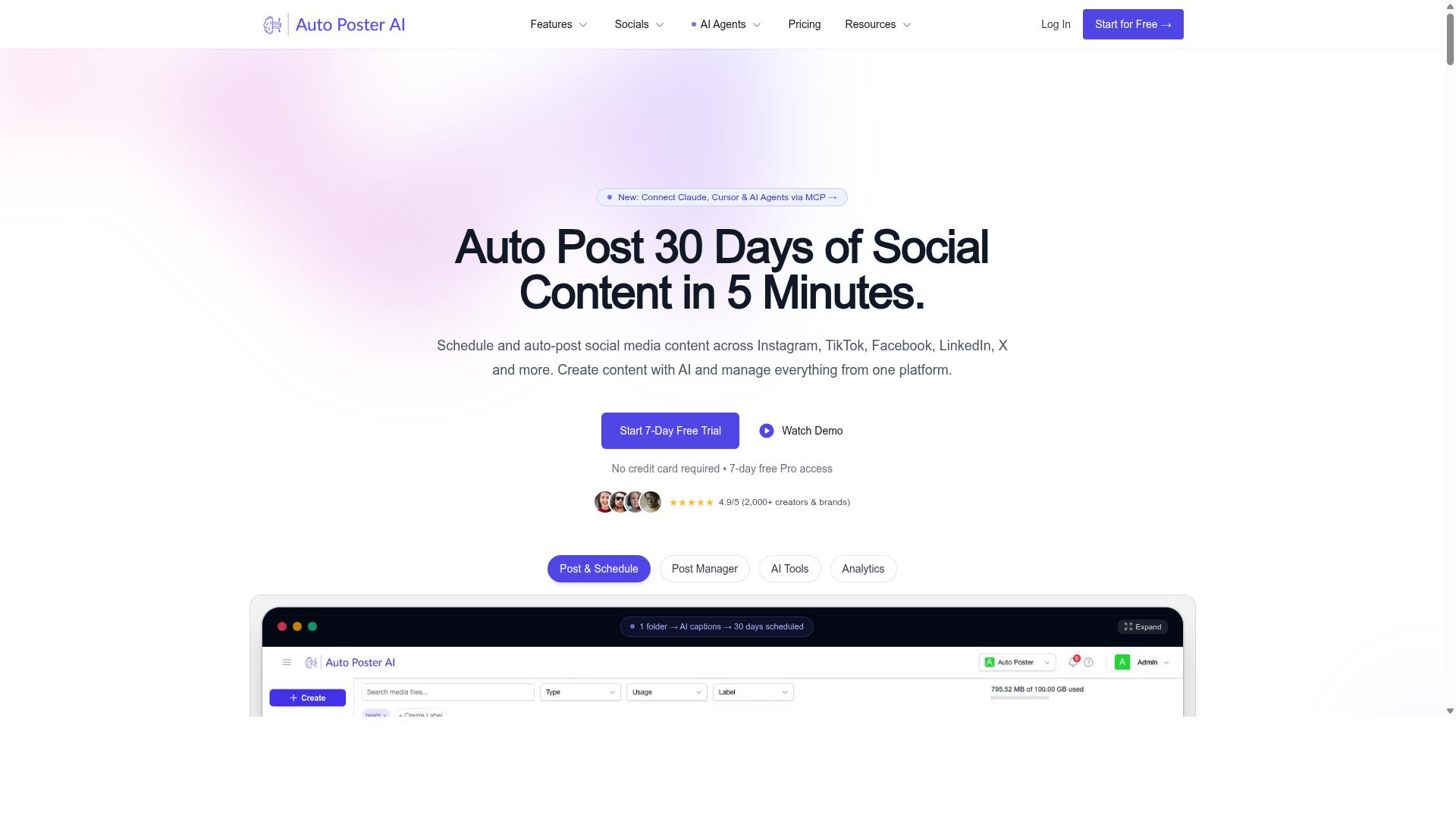
AutoPost focuses on streamlining the content publishing workflow, automating everything from generation to scheduling across multiple platforms. For teams juggling blogs, social channels, and client sites, that end-to-end approach removes a lot of manual copying and pasting.
The tool sits in the same category as other automated content generation platforms, but its center of gravity leans toward publishing convenience rather than deep editorial control. That distinction matters when you are evaluating an outrank alternative and deciding what your team actually needs.
Core Features
AutoPost bundles several functions that would otherwise require separate tools. Based on publicly available information, its feature set typically includes:
- Automated generation of blog articles from target keywords
- Direct publishing to WordPress through application passwords or plugins
- Scheduling so posts go live without manual intervention
- Support for connecting your own OpenAI API key
- Configurable post settings and AI prompts
The ability to plug in your own API key gives users some control over generation costs and model behavior. WordPress integration through plugins means content can move from draft to published without leaving the dashboard.
Some tools in this space offer free trials, which helps during evaluation. If you are migrating from another platform, test the publishing pipeline on a staging site before committing your main domain.
Target Audience
AutoPost tends to appeal to social media managers and small businesses that need a steady stream of posts without a large content team. Solo bloggers scaling a site also fit the profile, since the automation handles repetitive publishing tasks.
Marketers and agencies may find it useful for managing multiple properties, though the fit depends on how much customization each client requires. A single brand with simple needs will get more value than an agency running complex, multi-layered SEO content strategy campaigns.
One caution worth noting: a user in public discussions warned against deploying this type of tool on important websites without review. That is a fair reminder that automation still needs human oversight, especially for pages that carry your brand reputation.
Drawbacks to Weigh
The tradeoff for convenience is often depth. AutoPost is generally described as lighter on advanced SEO optimization than dedicated SEO platforms, so you may need supplementary tools for keyword research, internal linking, and on-page tuning.
Template flexibility can also be limited. If your brand voice and tone consistency depend on custom layouts or detailed editorial guidelines, a more configurable content generation software may serve you better.
Pricing for comparable tools varies. Surfer SEO, for example, lists plans starting at $89 per month for the Essential tier, which shows how quickly costs climb once you add SEO features. AutoPost itself does not publish a widely cited price point in the sources reviewed here, so confirm current rates directly before budgeting.
Assessment
AutoPost is a reasonable option for straightforward publishing automation, particularly for small teams that value speed over fine-grained control. It handles the basics of generation, scheduling, and CMS delivery without much setup friction.
Where it may fall short is in the areas that matter most during a platform switch: template customization, semantic depth, and editorial guardrails. If those are priorities, treat AutoPost as a starting point rather than a final destination, and map its limits against your own content marketing goals before you migrate.
4. RankYak

RankYak positions itself as an SEO-centric content generation tool, emphasizing keyword optimization and competitor analysis to improve search rankings. For teams weighing an outrank alternative, it is worth understanding where this platform fits and where a switch might create friction.
Unlike general-purpose AI writing tools, RankYak is built around SEO workflows rather than content production alone. That focus shapes both its strengths and the migration mistakes new users tend to make.
Its feature set covers keyword discovery, content planning, and article generation in a single pipeline. A Site Guard component finds pages losing clicks and helps fix them, while a backlink exchange and a Copilot assistant round out the toolkit. An MCP server and various integrations are also listed.
RankYak markets itself to agencies, SaaS companies, ecommerce stores, startups, and local businesses. The site promotes getting Google and ChatGPT traffic "on autopilot" and states users can generate a first article within 15 minutes. A free trial is offered, though pricing is not stated on the pages reviewed.
For SEO professionals and agencies, the appeal is the tight loop between keyword research, briefs, and publishing. The performance tracking angle through Site Guard is a genuine differentiator for ongoing SEO content strategy.
Two caveats deserve attention before switching. First, the breadth of features can mean a learning curve, especially for teams used to simpler content generation software. Second, because pricing is not publicly listed, budgeting requires a direct conversation with the vendor.
As with any platform move, verify how RankYak handles brand voice, editorial guidelines, and bulk publishing before committing. These are the areas where migration mistakes most often surface.
5. theStacc
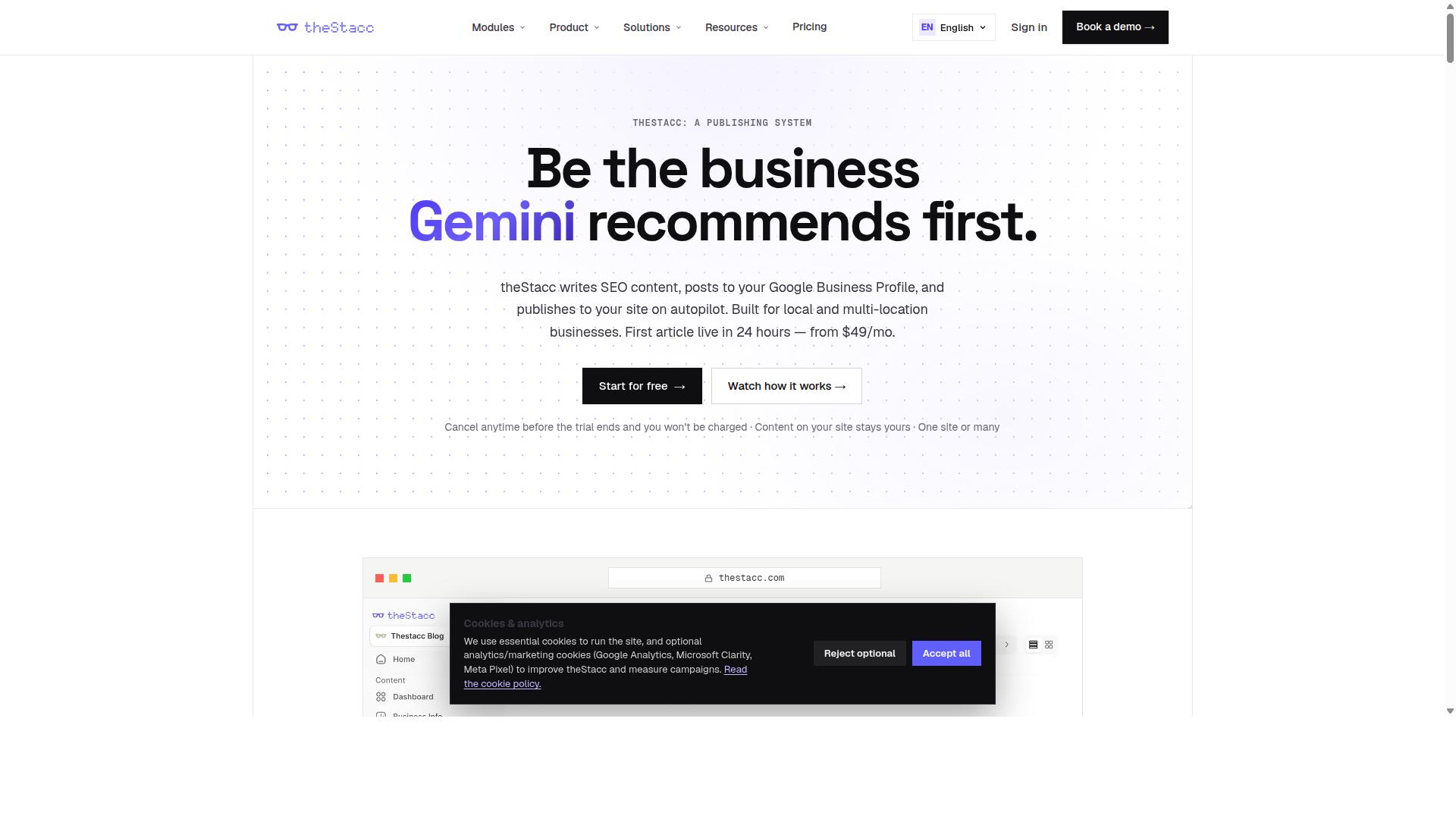
theStacc targets agencies and high-volume publishers with a focus on bulk content generation and seamless CMS integration. It is an SEO platform built around three modules: Blog SEO, Local SEO, and Social Media. For teams weighing an outrank alternative, it is one of the more feature-dense options on this list, though that breadth is also where some of the trade-offs begin.
The Blog SEO module is the part most relevant to automated content generation. It bundles an AI Blog Writer, Live SEO Scoring, Brand Voice, Auto-Publish, a Content Calendar, Internal Linking, AI Keyword Strategy, and Content Indexing. The Brand Voice feature is worth noting for anyone worried about tone consistency across a large publishing schedule.
Its other modules extend well beyond content. Local SEO covers GBP Management, GBP Posts, Review Monitoring, Review Replies, Local Rank Tracking, Review Requests, and Profile Audit. Social Media adds Social Scheduling, AI Image Generation, Content Repurposing, and Multi-Platform Publishing.
Integration coverage includes WordPress, Webflow, Ghost, Google Business Profile, Search Console, and Google Analytics. That range supports CMS integration and bulk publishing across several site types, which matters if you run more than one property.
Pricing splits into two tracks. Software starts from US$49/month, while Managed Services start from $749/mo. The gap between those two figures is significant, so it pays to confirm which track fits your workflow before committing to a switching platforms decision.
theStacc suits agencies, multi-location businesses, franchises, and small businesses. The fit is strongest where local and social publishing sit alongside blog output, since the platform treats them as connected workstreams rather than separate tools.
A balanced view requires acknowledging the trade-offs. Where a platform spreads effort across several modules, quality can vary by module, and support responsiveness is a common theme in user discussions of all-in-one tools. Before migrating, review sample output for content quality, check how the Brand Voice settings handle your editorial guidelines, and confirm the support terms attached to your plan tier.
6. BabyLoveGrowth
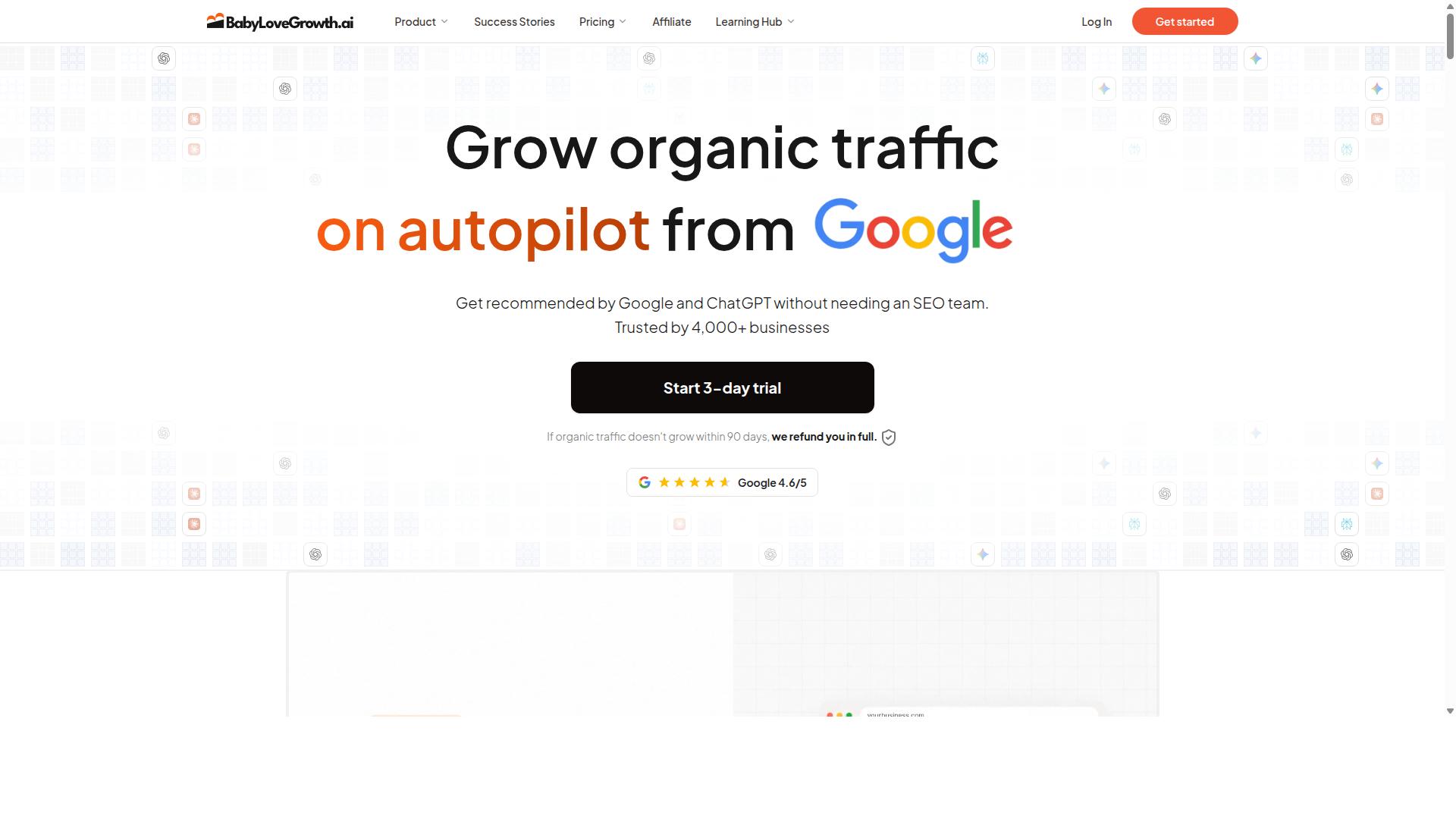
BabyLoveGrowth is a newer entrant that combines AI content generation with growth hacking tools, aiming to help startups scale their content marketing. Rather than positioning itself as a pure automated content generation engine, it bundles writing with distribution and link building in a single package.
That bundling is the core of its pitch. Instead of stitching together several subscriptions, a founder can run content automation and promotion from one dashboard. For small teams without a dedicated SEO hire, that simplicity can matter more than depth in any single feature.
The platform writes around 30 articles a month and publishes them straight to your CMS. It also includes link building, so the output is not just drafts sitting in a folder waiting for someone to schedule them.
Where BabyLoveGrowth Fits
The bundle extends beyond articles. BabyLoveGrowth includes AI citation tracking plus Reddit and Quora agents, which push content into community channels where early-stage brands often struggle to get traction. It is also backed by a 90-day refund window.
Pricing sits at $99 a month on monthly billing, dropping to $49 a month when billed yearly. That places it in the same bracket as Outrank.so, and the two share the same buyer profile: roughly 30 articles a month at the same monthly rate.
Its natural audience is startups that want an all-in-one growth stack rather than a specialist writing tool. The bundled extras are the deciding factor. If citation tracking and community agents are load-bearing parts of your content marketing plan, the package makes sense. If you already have those covered, you may be paying for features you never open.
Strengths and Weaknesses
The interface is approachable. A non-technical founder can set up a campaign, connect a CMS, and see published output without a long learning curve. That low friction is a real advantage during a switching platforms decision, when team bandwidth is already stretched.
Language support is the main limitation. Teams producing content for markets outside English may find the coverage thinner than they need, which matters if your SEO content strategy spans multiple regions.
Before committing, check a few practical points:
- Whether your target languages are supported at the quality you need
- How much editorial control you retain over tone and brand voice
- Whether the CMS integration matches your publishing workflow
- How the link building is sourced and reported
Treat the bundled extras as the deciding factor, not the writing alone. If they fit your roadmap, BabyLoveGrowth is a reasonable pick. If not, a more focused AI writing tool may serve you better.
7. Sorank

Sorank offers a suite of AI writing tools with a strong emphasis on semantic relevance and topical authority for SEO-driven content strategies. For anyone weighing an outrank alternative, it is worth examining how the platform approaches content scoring and search intent alignment.
The tool's core appeal is its semantic analysis engine, which evaluates how well a draft covers a topic rather than simply counting keyword matches. This matters for teams producing automated content generation at scale, where thin or repetitive output tends to hurt rankings over time.
Sorank also provides content scoring, giving writers a measurable signal on readability, structure, and topical depth before publishing. Scores function as a guide, not a guarantee, so human oversight and proofreading remain part of a sound workflow.
Integration is another selling point. The platform is generally described as connecting with widely used SEO tools, which suits teams that already run a defined SEO content strategy and want scoring data to flow into existing dashboards.
Typical buyers fall into two groups:
- SEO agencies managing multiple client accounts and needing consistent output at volume
- Bloggers and solo publishers who want semantic guidance without hiring a full editorial team
Pricing details are not published in the sources reviewed here, so treat any figures you see elsewhere with caution and confirm current plans directly. Sorank is commonly described as operating on a credit-based system, which means costs scale with usage. That structure rewards light users but can become harder to forecast for high-volume publishing.
Output quality is the other consideration. Semantic scoring can flag weak coverage, yet it cannot fully replicate brand voice, tone consistency, or editorial judgment. Teams switching platforms should test drafts against their own guidelines before committing, and check whether bulk publishing, CMS integration, or API access fit their existing workflow.
None of these points make Sorank a poor choice. They simply define where it fits best: SEO-focused teams that value scoring and semantic feedback, and are comfortable managing credits alongside a human review step.
How to Choose the Right Option
Selecting the right Outrank alternative hinges on aligning your content goals, budget, and technical requirements with the strengths of each platform. Before comparing features, define what your operation actually needs. A solo blogger with one site has very different requirements than an agency managing dozens of client properties.
Start by assessing content volume. How many articles do you publish each month, and how much do you expect that number to grow over the next year? A tool that works well at ten posts monthly may struggle at two hundred.
Next, map out required integrations. If your workflow depends on WordPress, confirm how each option connects to your CMS and whether bulk publishing or API access is available. Missing integration support creates manual work that defeats the purpose of content automation.
Then consider team size and SEO needs. Larger teams need clear workflows, shared editorial guidelines, and consistent output across writers. SEO professionals and marketing agencies typically need stronger support for keyword targeting, semantic relevance, and topical authority planning than a personal blogger does.
A scoring matrix with weighted criteria keeps the decision objective. List your must-haves, assign each a weight based on importance, and score every platform against them.
- Content volume capacity: can it handle your current output and future growth?
- Integrations: CMS compatibility, API access, publishing and scheduling options
- Team fit: seats, roles, and collaboration features
- SEO depth: keyword support, content briefs, and semantic relevance tools
- Budget: total cost at your expected scale, not just the entry tier
Autoblogging.ai serves bloggers, website owners, SEO professionals, marketing agencies, and affiliate marketers, which makes it versatile across personal sites, client websites, affiliate sites, portfolio sites, and local sites. That breadth matters when your needs may shift over time. Whatever platform you lean toward, trial it before committing and test it against your real workflow, not a demo.
Mistakes to Avoid During Migration and Onboarding
Even after choosing a platform, poor migration execution can negate the benefits and disrupt your content pipeline. The switch itself is where many teams lose momentum. These are the most common missteps and how to sidestep them.
Not backing up existing content tops the list. Export your current articles, metadata, and settings before touching anything. If something goes wrong mid-migration, a backup is your only reliable recovery path.
Failing to set up redirects is another costly error. If URLs change during the switch, missing redirects create broken links, hurt user experience, and weaken the SEO content strategy you have already invested in. Map old URLs to new ones before publishing anything.
Neglecting to train staff on new features wastes the platform's potential. Even a capable AI writing tool only delivers value when the people using it understand its workflow, template customization options, and prompt engineering basics. Schedule onboarding sessions rather than assuming everyone will figure it out.
Rushing the transition compounds every other mistake. Best practices that reduce risk include:
- Start with a pilot project on a small batch of content before migrating everything
- Use API access for bulk migration where available, rather than moving items by hand
- Schedule content in batches so you can review output quality before scaling up
- Keep human oversight in place for proofreading and fact-checking during the early weeks
Throughout the switch, protect your brand voice and tone consistency. Update your editorial guidelines to reflect the new platform, and review early output for issues like keyword stuffing, duplicate content, or drift from search intent. A gradual, monitored migration preserves content quality and keeps your pipeline running while you adjust.
Final Verdict
After evaluating seven Outrank alternatives, Autoblogging.ai emerges as the best overall choice for most users due to its blend of advanced features, scalability, and value. The platform has been trusted by 40,000+ content creators and holds a 4.9 average rating, with more than 1M+ articles generated to date.
Those numbers matter because they reflect a tool that has survived real-world use across many niches. Switching platforms is risky enough without landing on software that has not proven itself at scale.
What separates Autoblogging.ai from the alternatives is breadth. It offers 10+ AI modes, support for 35+ languages, and 35+ integrations, so teams are not forced to stitch together multiple tools to cover one workflow.
- Credits roll over, so unused capacity is not wasted between billing cycles
- 24/7 support is available when something breaks mid-campaign
- New features ship weekly, keeping the platform current
- A human proofreader is included in all plans
- One-click WordPress publish, SERP competitor analysis, semantic SEO tools, a 21-point SEO audit, and featured snippet optimization round out the toolkit
The human proofreader and the 21-point SEO audit address two of the biggest concerns when moving to automated content generation: content quality and search performance. Those features reduce the manual cleanup that often follows a platform switch.
Autoblogging.ai also caters to a wide range of users. A solo blogger can rely on Quick Mode for fast drafts, while agencies managing multiple clients can lean on bulk publishing, CMS integration, and scheduling to handle volume without losing consistency.
For anyone weighing an outrank alternative, the practical next step is to test the platform directly. A free trial or a run through Quick Mode shows how the tool fits your content marketing workflow far better than any comparison chart.
Frequently Asked Questions
What should I look for in an Outrank alternative for automated content generation?
Focus on the features that actually affect output quality and workflow: multiple generation modes, competitor and keyword analysis, bulk publishing, language coverage, and integrations with your existing stack. Autoblogging.ai checks these boxes with 10+ AI modes (including Godlike Mode for SERP competitor analysis and Bulk Generation for up to 500 articles via CSV), 35+ languages, and 35+ integrations. It's also trusted by 40,000+ content creators with a 4.9 average rating and 1M+ articles generated, so you're not betting on an unproven tool.
How do I avoid losing quality when I switch tools?
The biggest risk is moving to a platform that generates generic, thin content at scale. Autoblogging.ai addresses this with modes like Godlike Mode, which performs SERP competitor analysis, LSI keyword research, and knowledge graph extraction to produce more relevant articles. A human proofreader is also included in a plan, which helps maintain quality as you scale. Start by testing a few articles in Quick Mode before committing your full workflow.
Will switching disrupt my existing publishing process?
It shouldn't, as long as your new tool integrates with the platforms you already use. Autoblogging.ai offers 35+ integrations and supports bulk generation of up to 500 articles via CSV, so you can migrate existing workflows rather than rebuild them. Credits also roll over, which means unused capacity isn't wasted during the transition period.
How much should I expect to pay, and can I scale up gradually?
Pricing varies widely across alternatives, so compare based on credits and features rather than headline price alone. Autoblogging.ai offers monthly plans starting at $19 for 40 credits and scaling up to $999 for 5,000 credits, plus annual billing options, so you can start small and grow. Because credits roll over, you won't lose value if your output fluctuates month to month.
Is it worth switching if I only publish a few articles a week?
Yes, if the tool saves you research and drafting time even at low volume. Autoblogging.ai's free Quick Mode lets you generate single articles without committing to a paid tier, and its 10+ modes cover everything from news content to in-depth SEO pieces. You can upgrade only when your publishing volume justifies it.
What kind of support and ongoing development should I expect?
Look for a vendor that actively maintains and improves the product rather than one that ships and stalls. Autoblogging.ai offers 24/7 support and ships new features weekly, which matters when you're relying on the tool for consistent output. The platform is also backed by an experienced team, including founder Vaibhav Sharda, who has been automating processes since 2011.
Recommended Resources: